
Candoo How to use Instagram
Table of Contents
-
What is Instagram
-
How to Sign up
-
How to Navigate Instagram
-
How to Post on Instagram
-
How to Search for someone's account
-
How to Follow Someone
What is Instagram
Instagram is a free photo and video-sharing tool. It’s a popular social media app that lets you connect with friends and family.
How to Sign up
Step 1
Download the Instagram app from the App Store (iPhone) or Google Play Store (Android).
Step 2
Enter your email address/ phone number, your name, create a username for the account (this can be changed at any time), and create a password. Once you enter all the information click the blue ‘Sign Up’ button. You also have the option to sign up with your Facebook account.

How to Navigate Instagram
Step 1
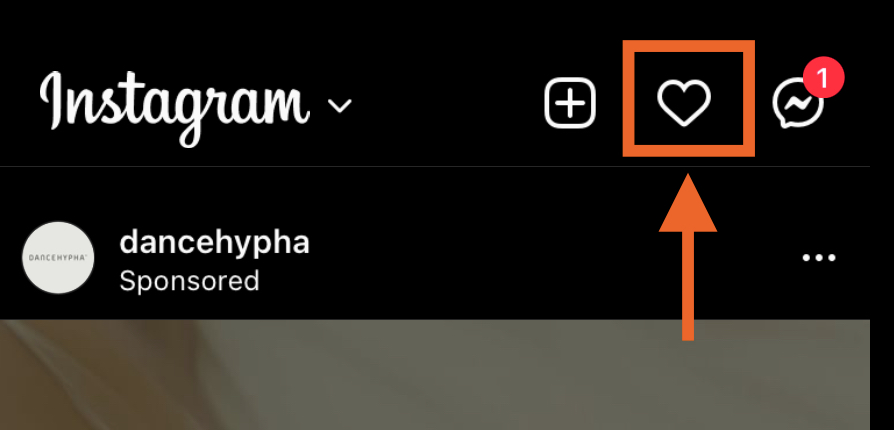
The Heart icon in the top right corner will show you all your notifications such as comments or likes on your posts and when people follow your account.
Step 2
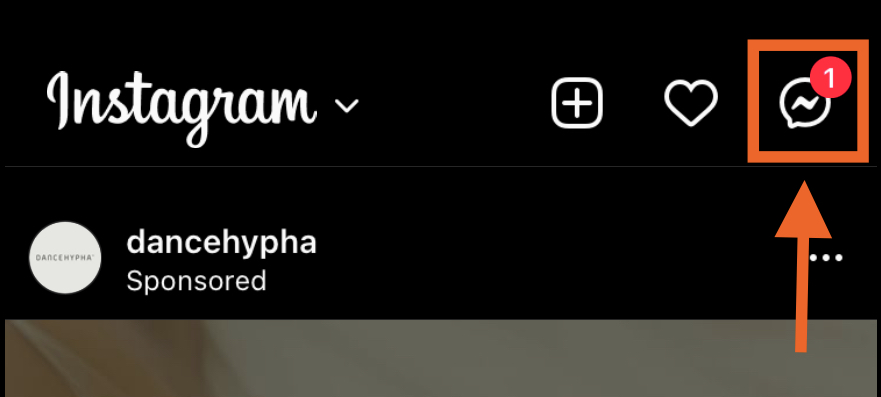
The lightning bolt in the message icon will show your direct messages from your followers or other users.
Step 3
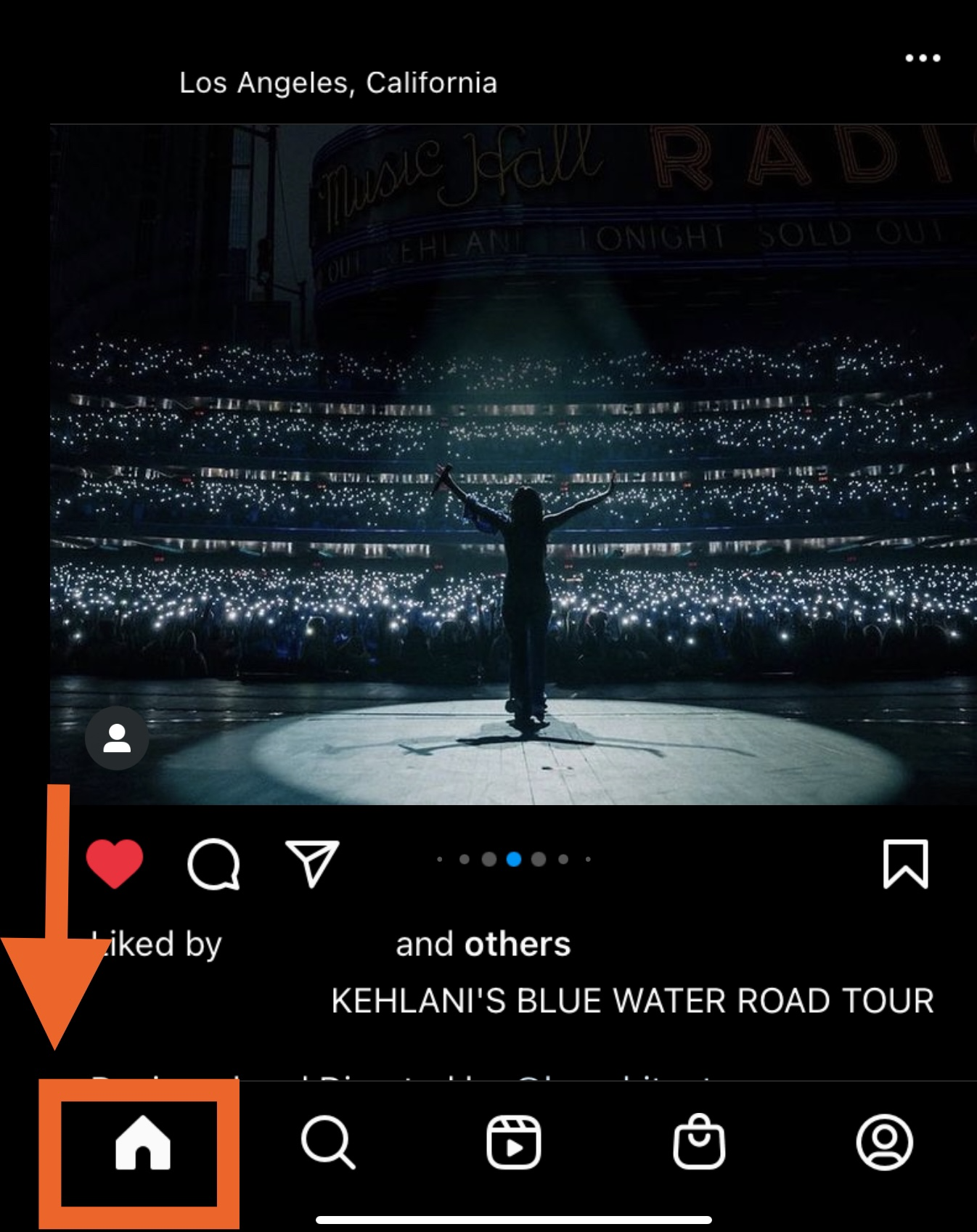
The Home tab is the default tab on which you begin - this is called your ‘feed’, a collection of all of the new posts from people you follow.
Step 4
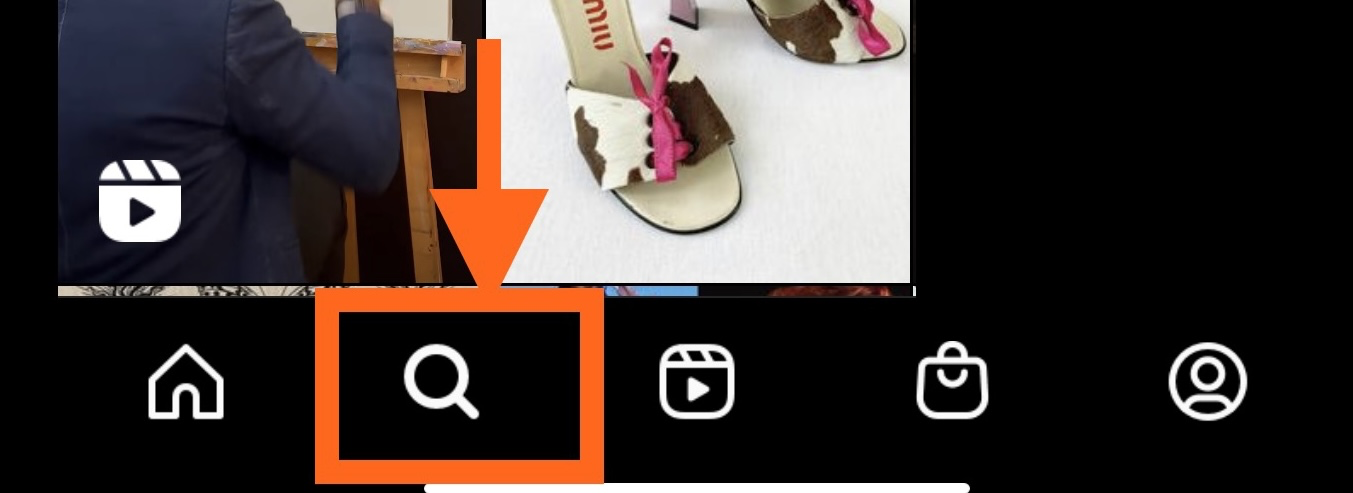
The "Search" page allows you to search for accounts or keywords within the app. This page will also display popular posts Instagram suggests.
Step 5
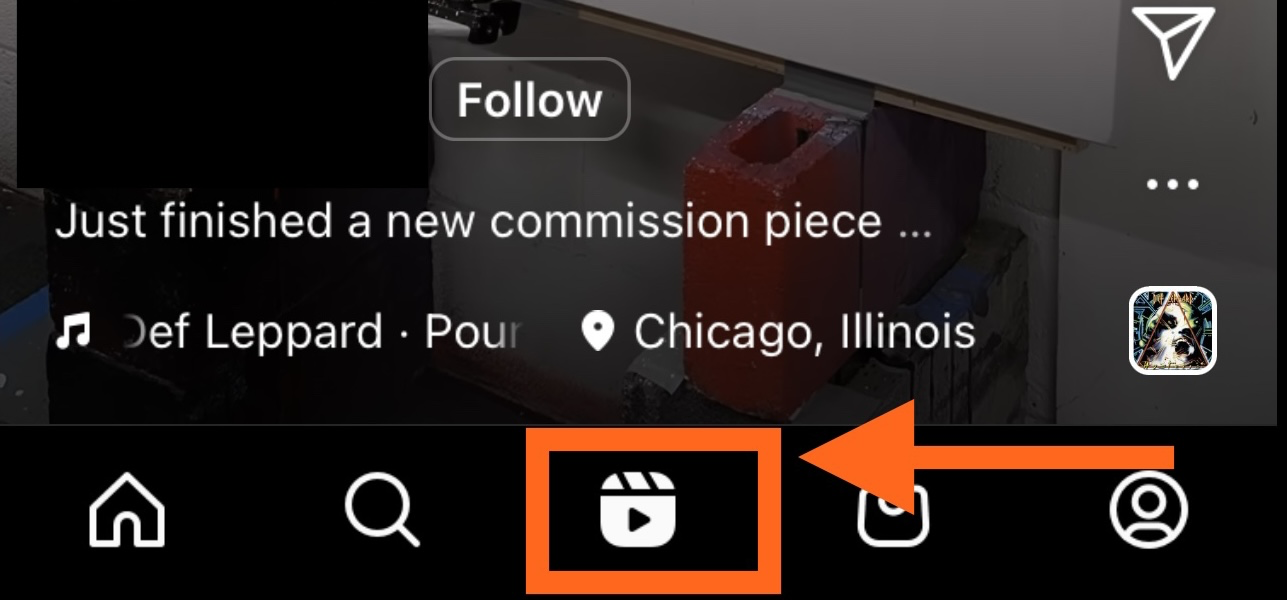
The "Reels" tab will display short videos from popular accounts.
Step 6
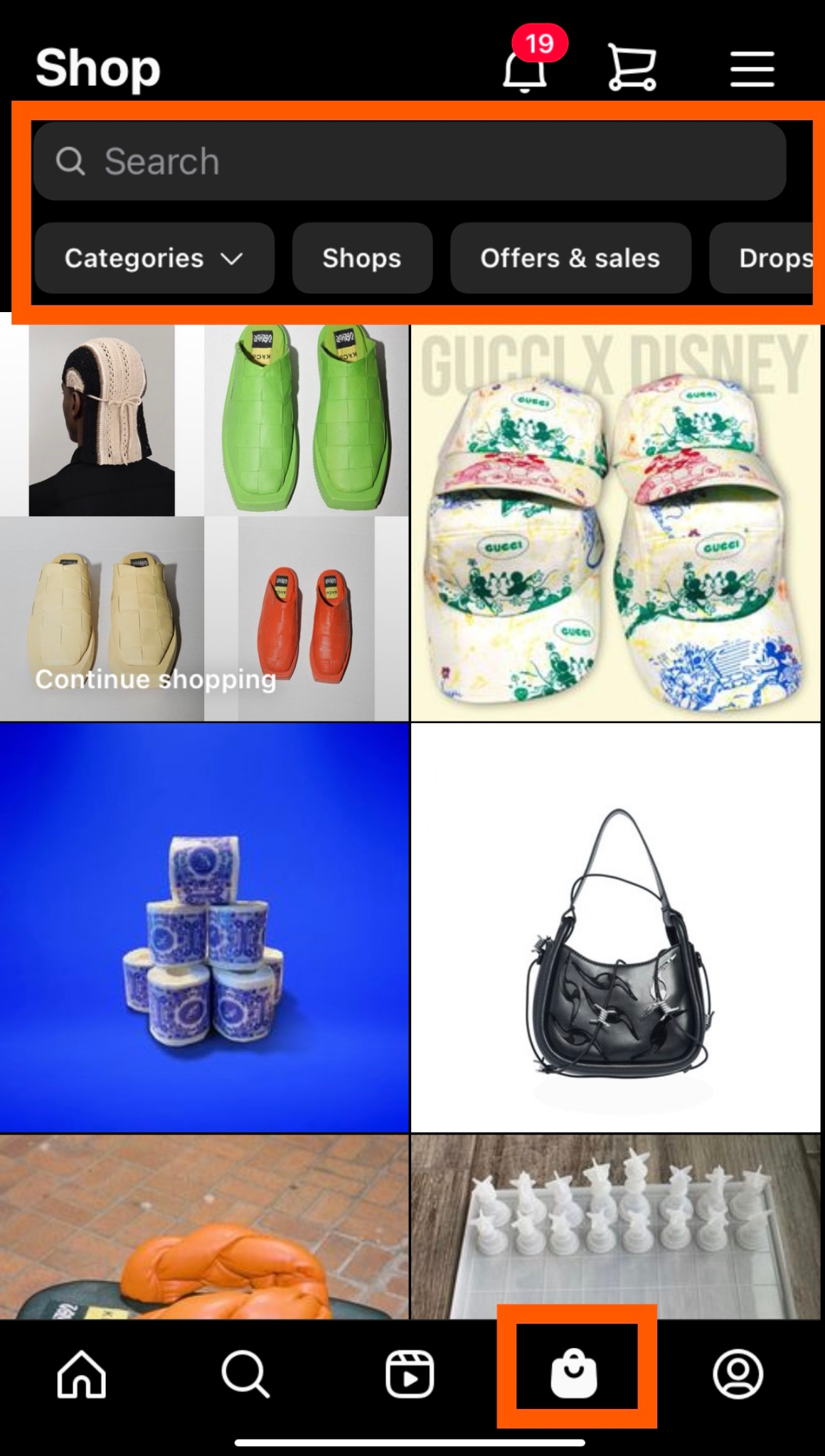
The "Shopping" tab is where you can shop for products from clothing, home decor, or beauty products.
Step 7
Lastly, your profile. The profile tab will display your profile which can be made public for everyone to see or a private page. This will display all the posts you’ve posted.

How to Post on Instagram
Introduction Text If applicable
Step 1
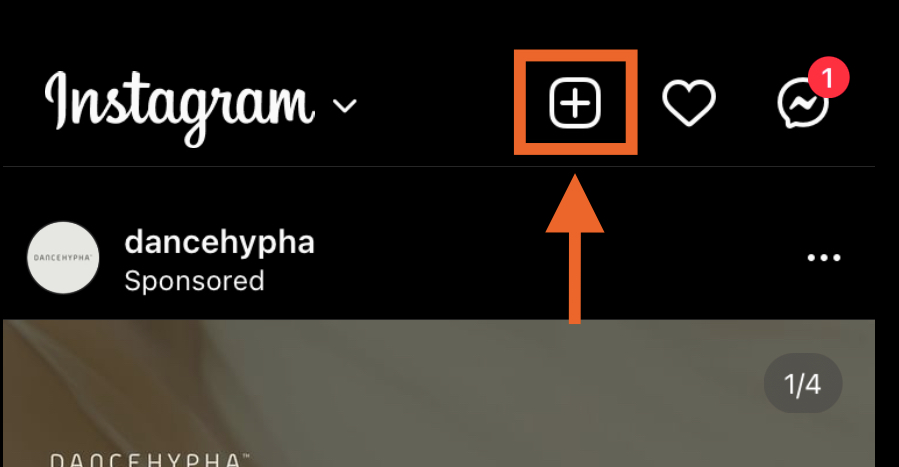
Click the "+" icon at the top-right-hand corner.
Step 2
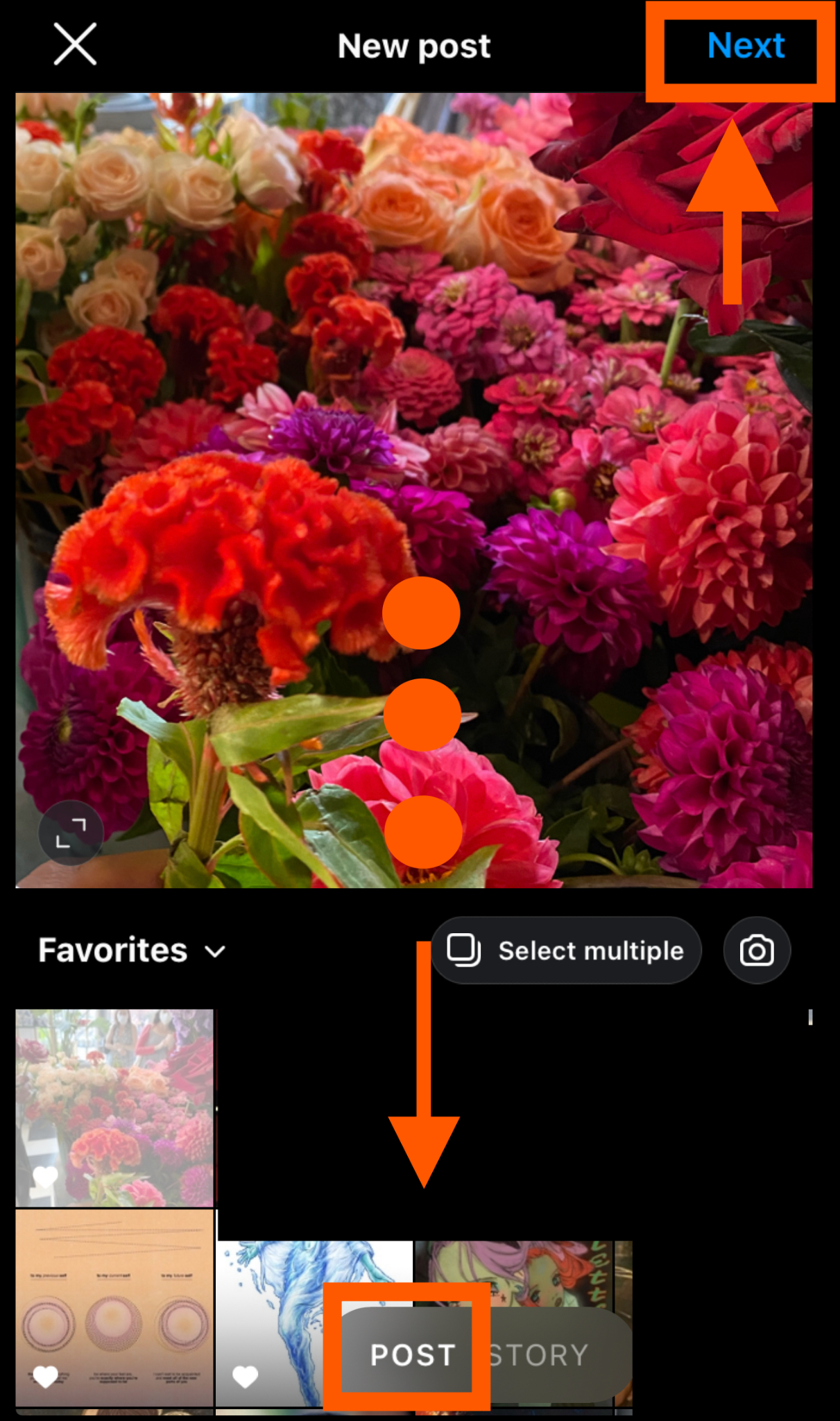
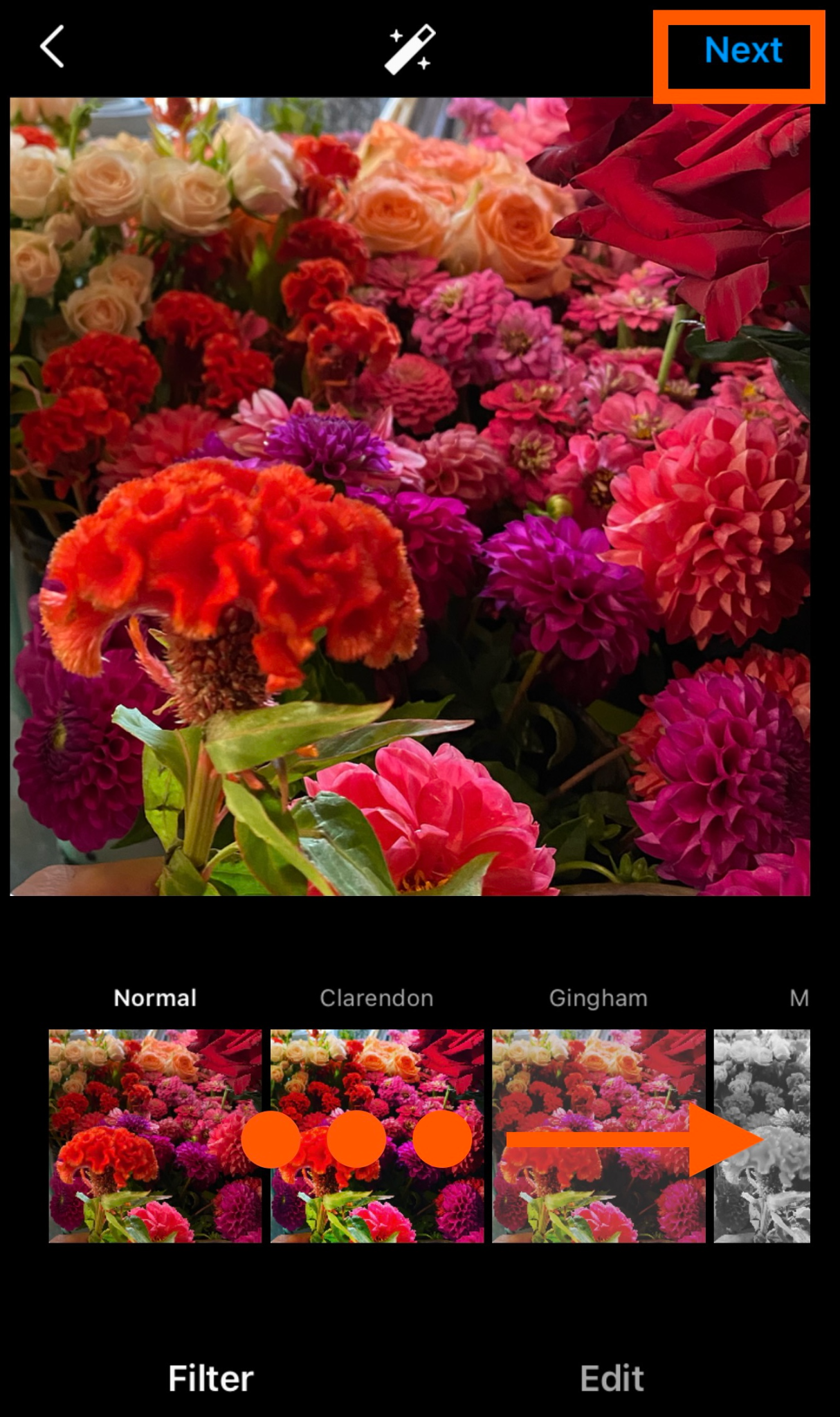
You can look through your Photos library on your phone or you can take a new picture or video from right within Instagram. In the example shown below, I chose a picture from my library. Scroll down to see the photos in your library and tap on the one you want to post. Then, click "Next" in the top right corner.
Step 3
You can edit your photo or video by adding a filter. Simply scroll through the carousel and click any filters to apply them to your image.
Step 4
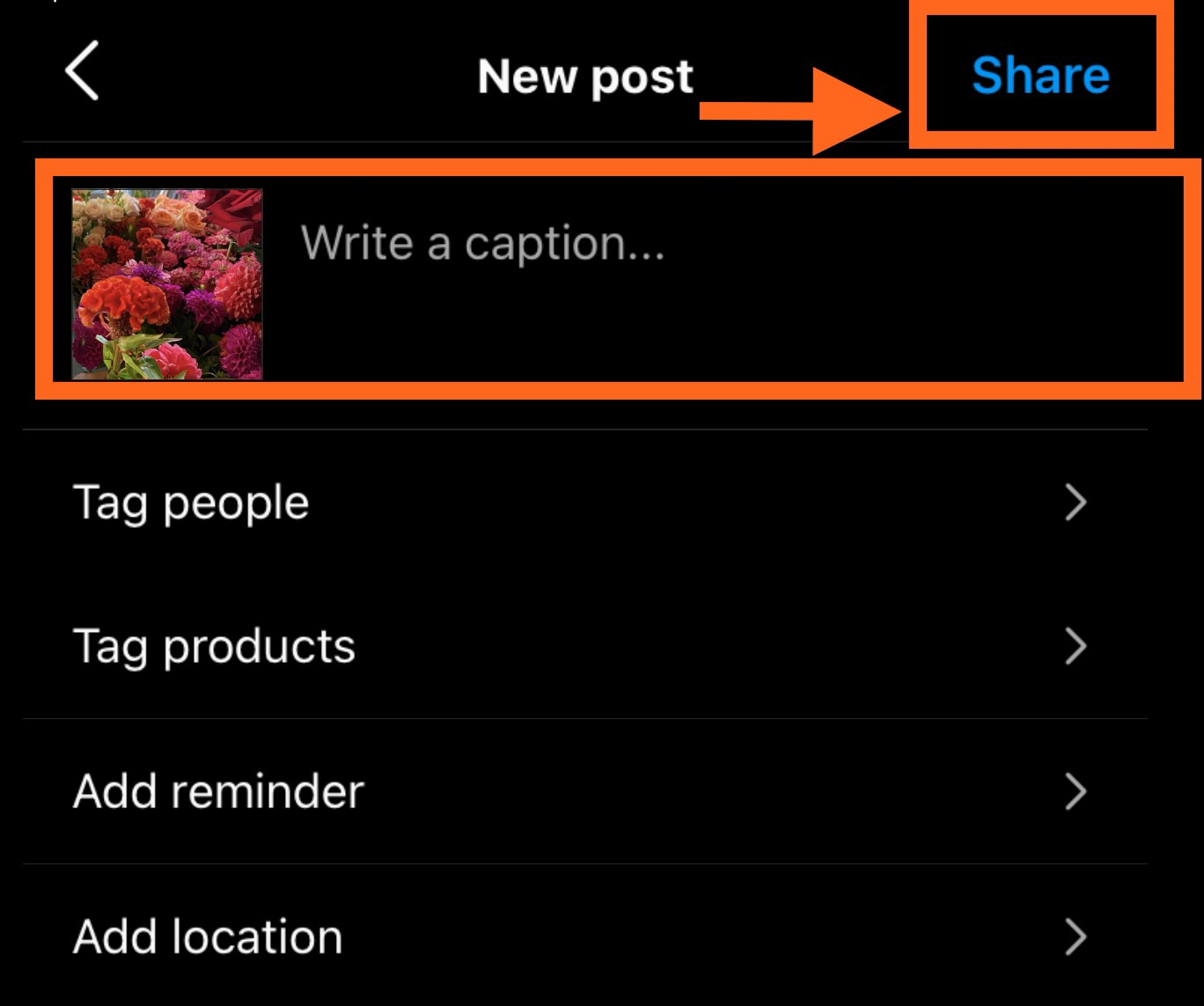
Now, you can add a caption, tag people (you can only tag someone if they also have an Instagram account), and add a location. When you're ready to publish, click "Share" in the top right.
How to Search for someone's account
Step 1
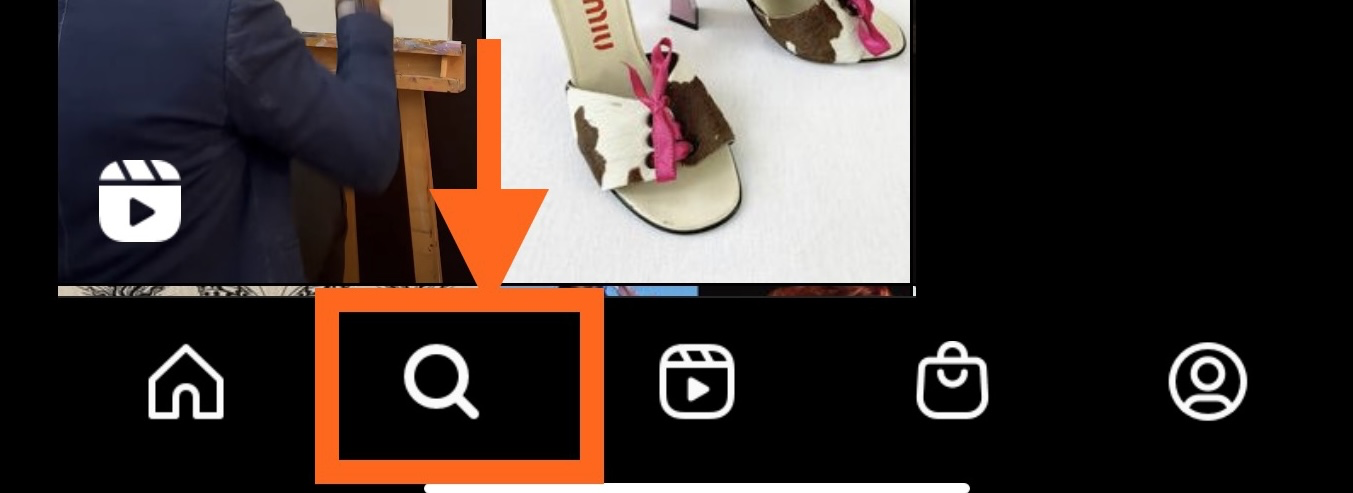
Click on the search icon at the bottom of your screen.
Step 2
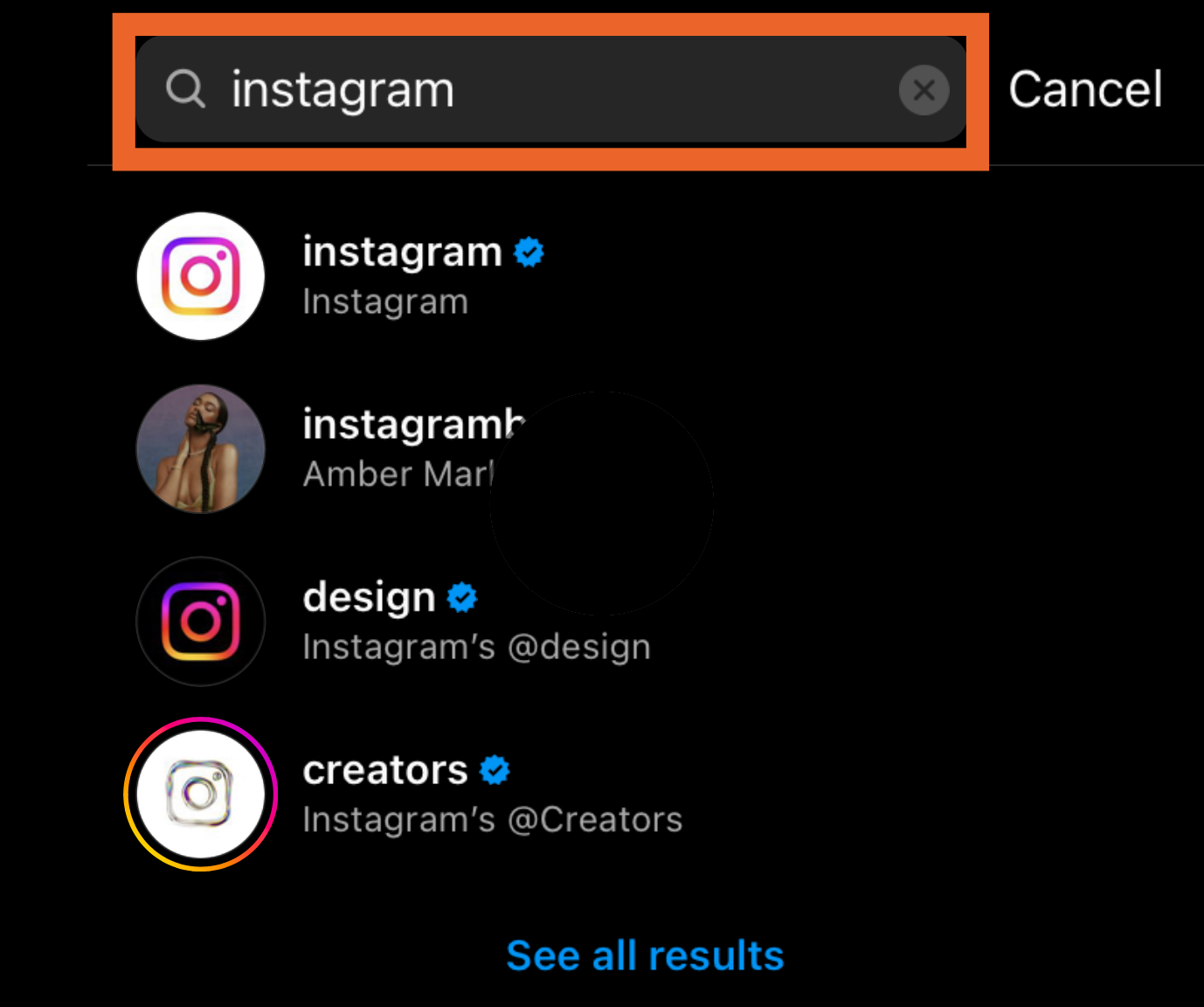
Next, type in a person or topic in the search bar. Tap on the account you want to view.
How to Follow Someone
Step 1
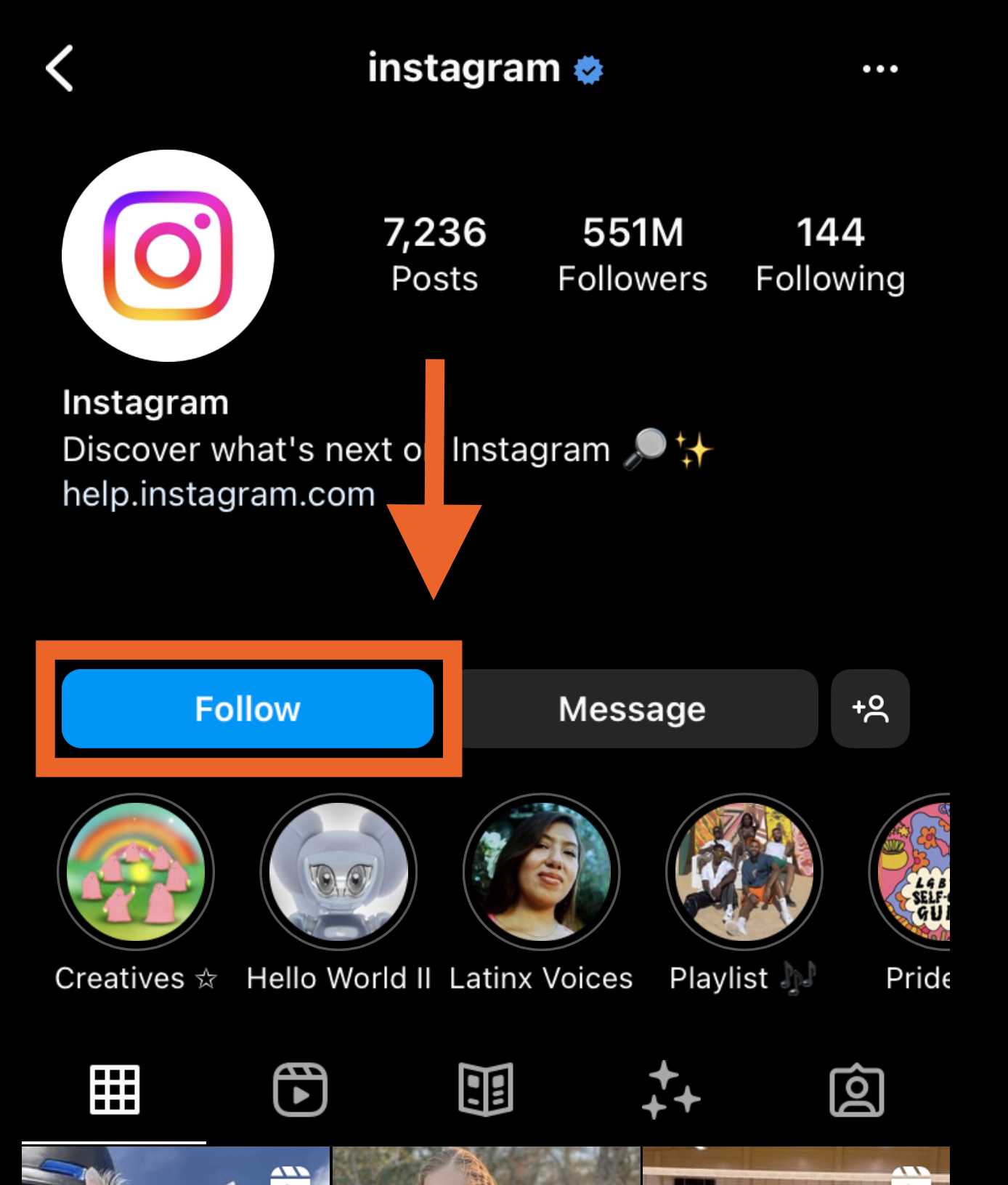
Tap on the account you want to follow. you'll see a blue "Follow" button at the top. For public profiles, you can click and immediately begin following that account. However, if the profile is private, you may need to wait for them to accept you first.
If you need help or have any questions, call us at
646-758-6606 or email support@candootech.com
To download a copy of this guide click below:
Comments
2 comments
What is the difference between the kinds of posts? Some are permanent
Some are give after a day?
Gone after a day
Please sign in to leave a comment.