
Candoo How to Use Google Alerts
Step 1
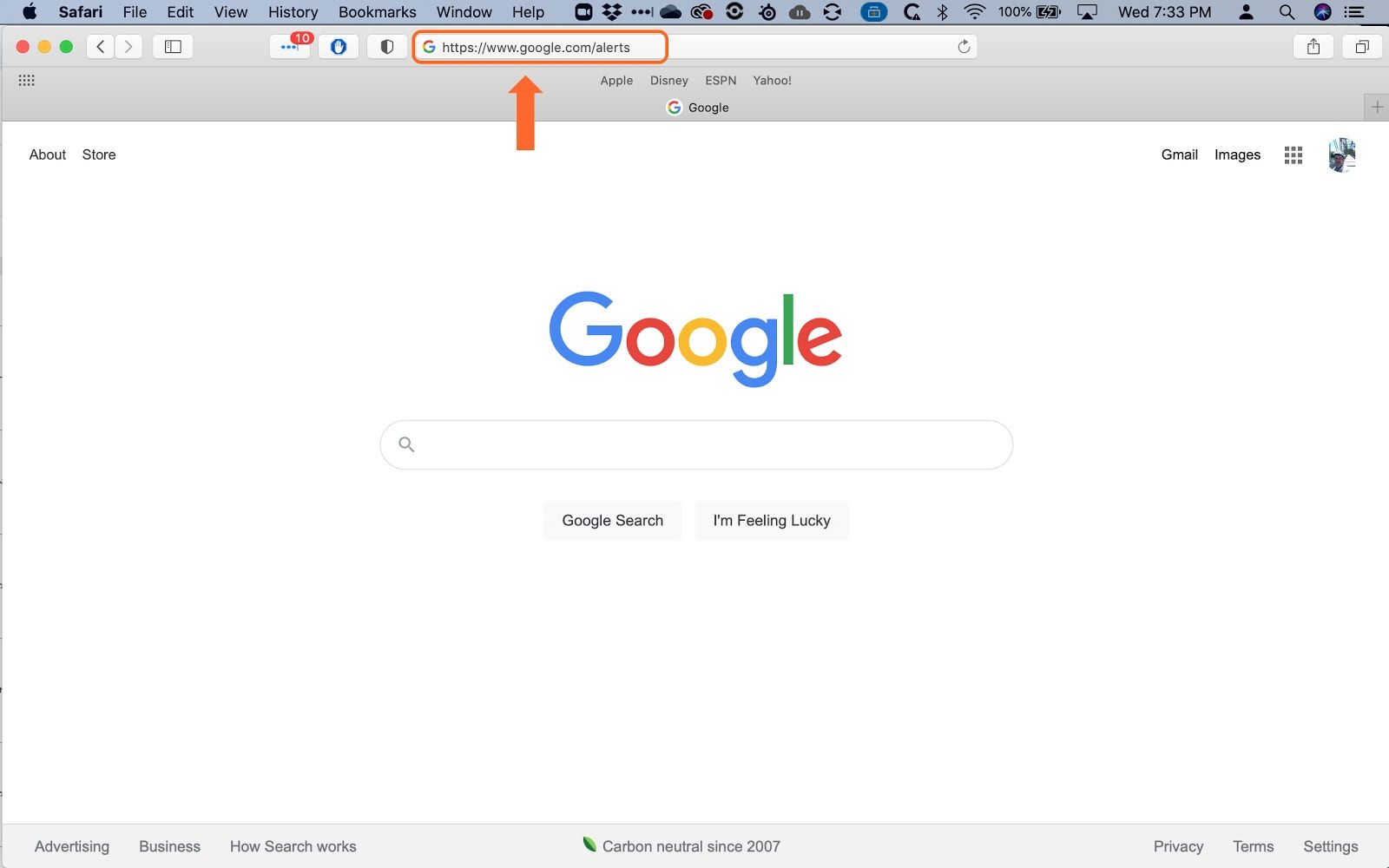
Open your web browser and go to www.google.com/alerts.
Step 2
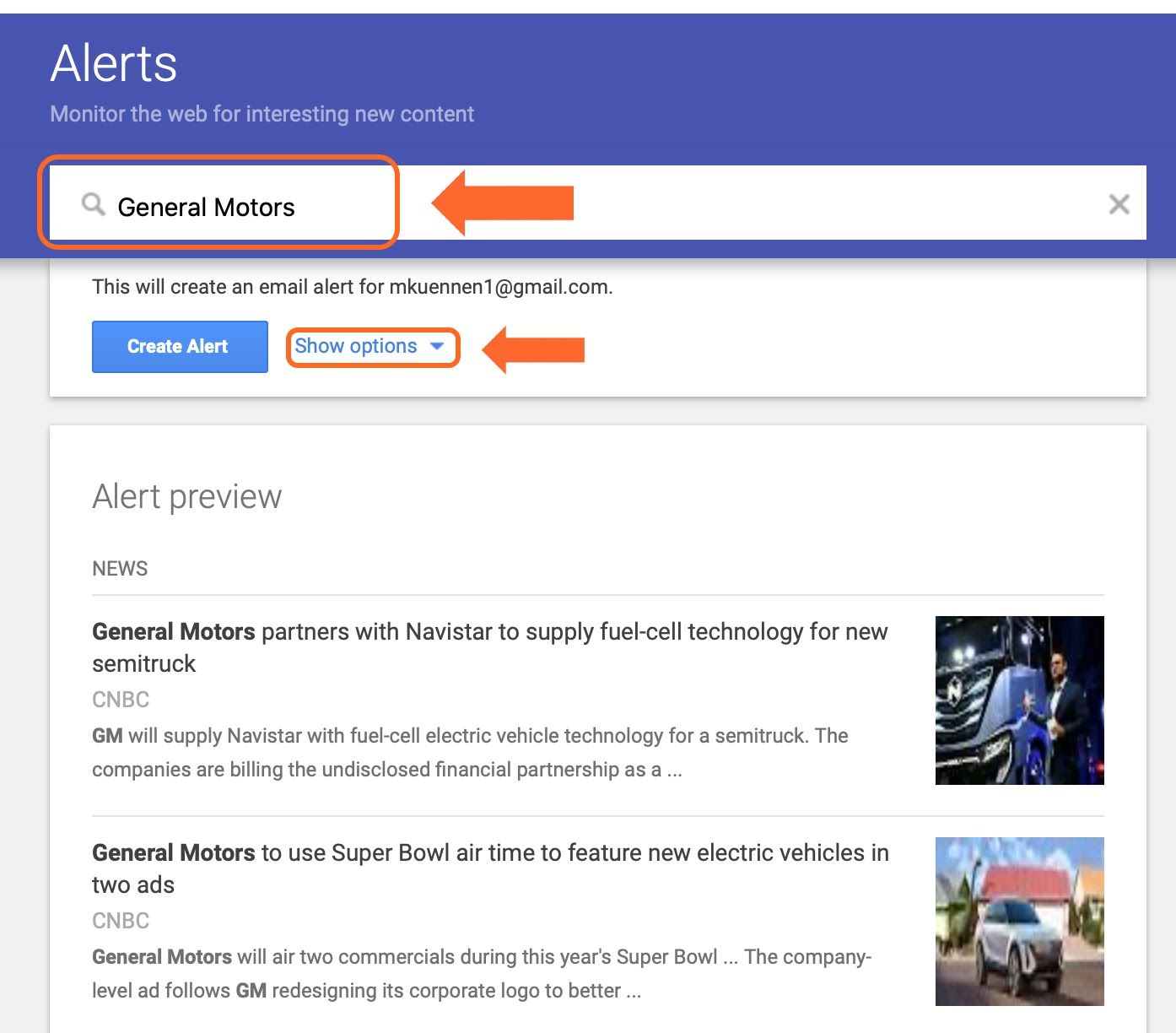
Enter the name of the company you wish to follow. You can also click on “Show Options” to give you more control over the alerts.
Step 3
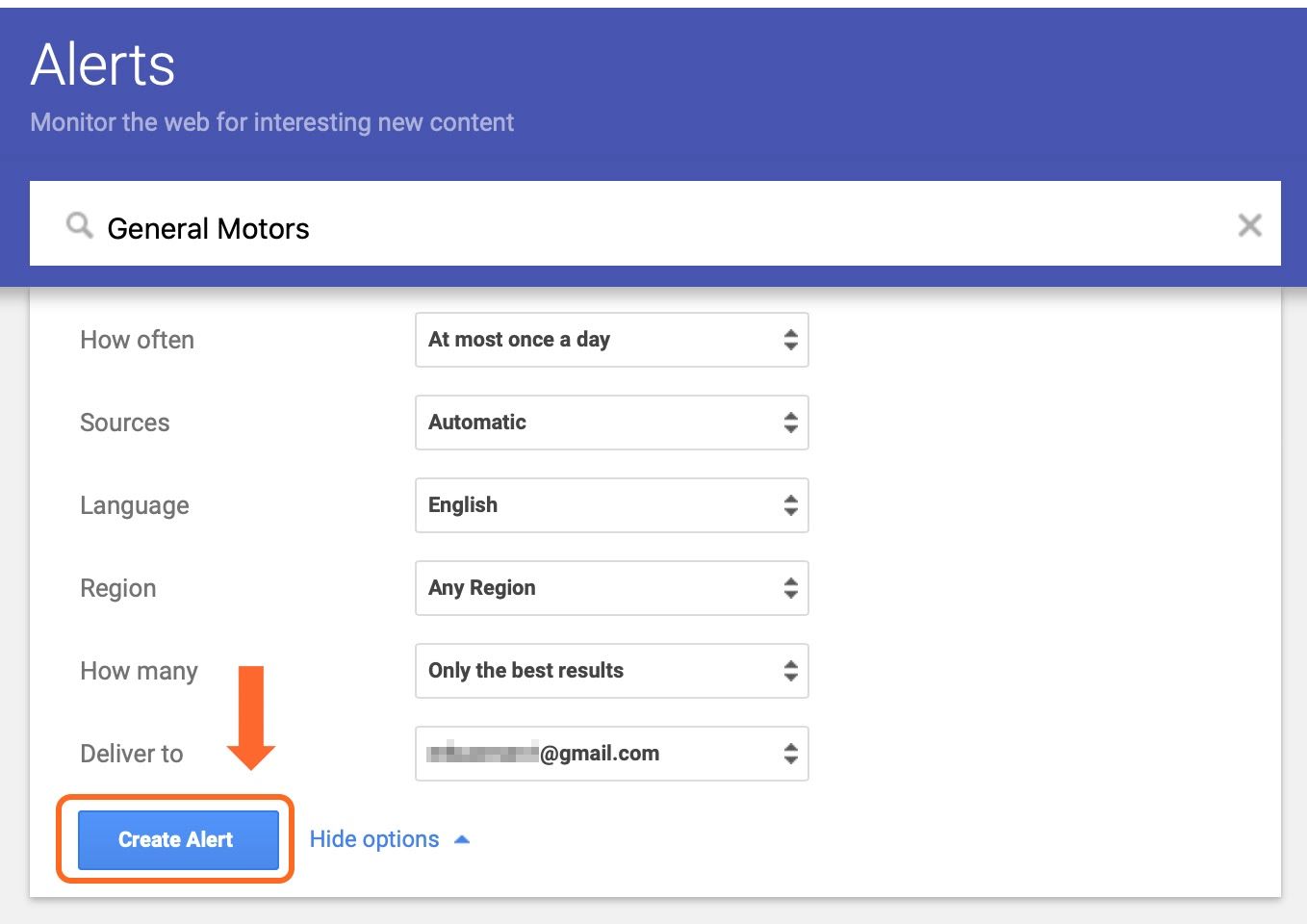
You can change the frequency of the alerts, the sources, which email they are delivered to, etc. Then click “Create Alert”.
Step 4
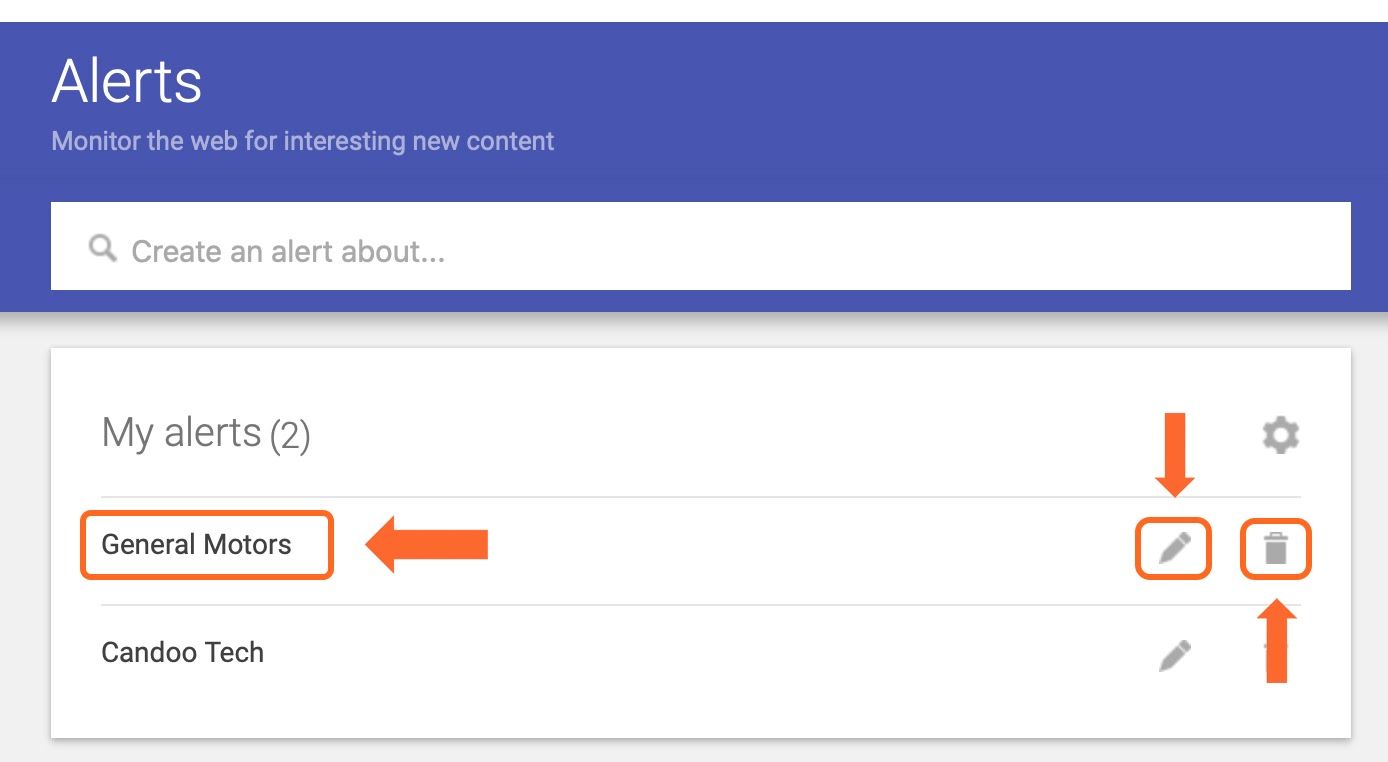
Your Alert is now created. You can Edit the alert by clicking on the Pencil icon or delete it by clicking on the Trash Can icon.
Step 5
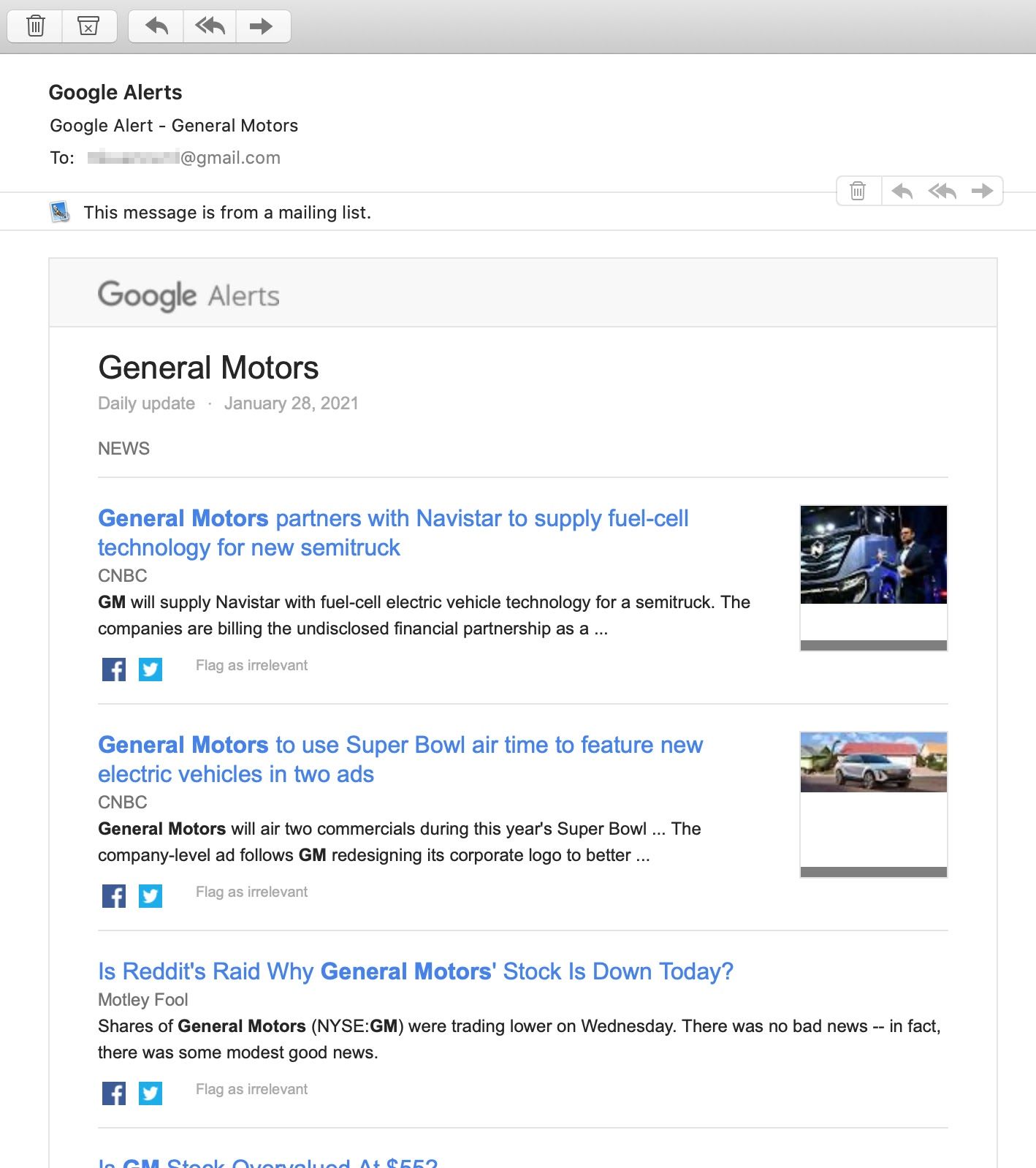
The Alerts will be sent to your email.

If you need help or have any questions, call us at
646-758-6606 or email support@candootech.com
To download a copy of this guide click below:
Comments
0 comments
Please sign in to leave a comment.