
Candoo How to Use Password Managers
Table of Contents
- What is Password Management?
- Why are Password Managers Important?
- Overview of the top Password Managers
- Conclusion
What is Password Management?
Password managers are services that help us create, securely store, and quickly autofill passwords. They provide a more seamless way to store our passwords and keep secure credentials in one space. Since there are a multitude of accounts everywhere we can sign up for this is a way to save your passwords with peace of mind.
Why are Password Managers Important?
The Benefits of Password Management:
- Never Having to Memorize Another Password
- Additional Security for Passwords
- Complex Password Creation
- Faster Access
- Adding Associated Information
The Importance of a Strong Password:
- Your password safeguards any online account
- Technology is causing more opportunities for hackers
- Reduce the risk of hackers guessings your password
Overview of the top Password Managers
Best Password Management Tools:
- Last Pass
- 1Password
- Dashlane
- Nordpass
- Easeenet
- Enpass
LastPass
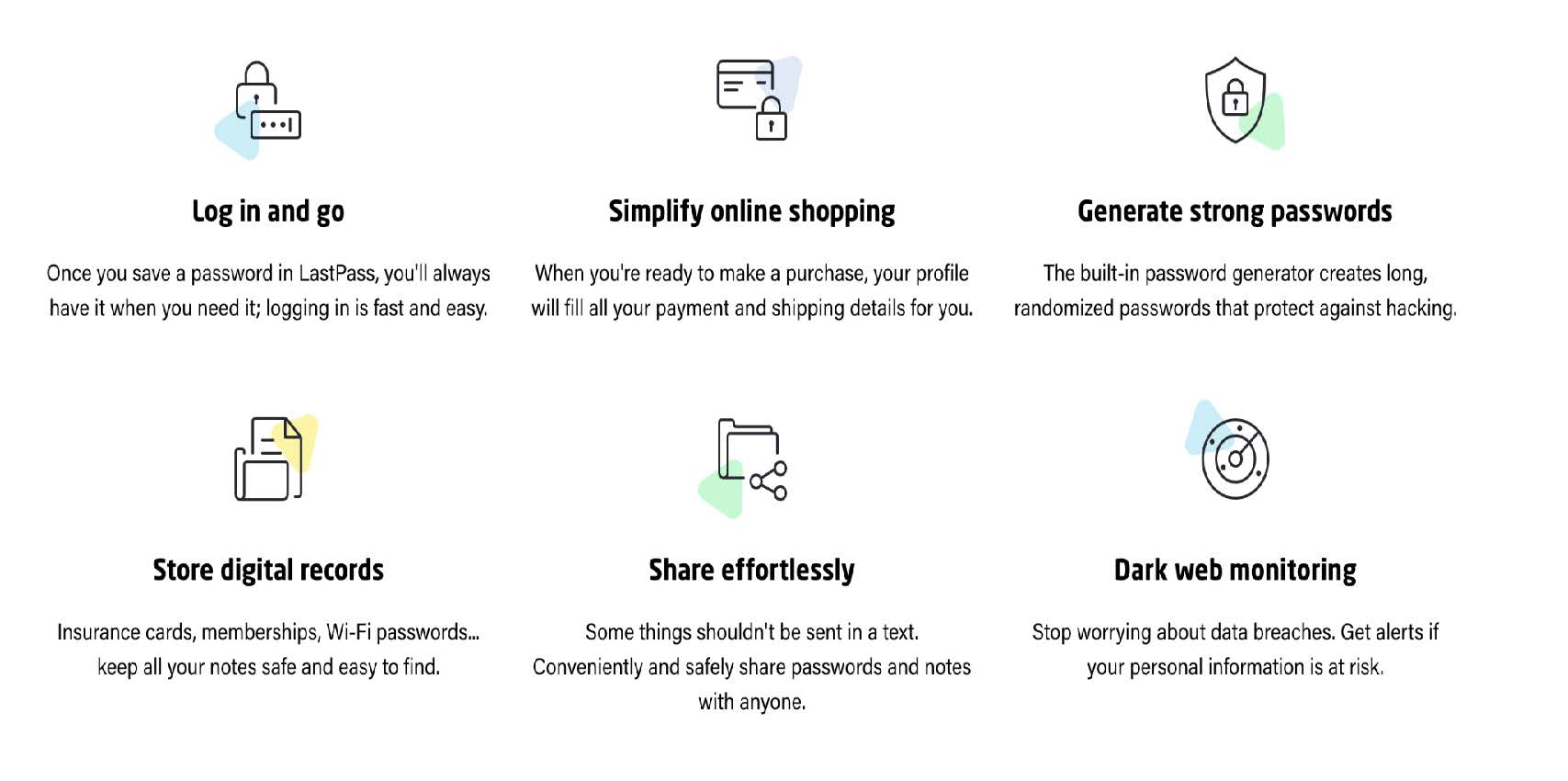
Lastpass is a password manager that requires only remembering one password. There are two versions: a free-for-one device or paid service to sync with all your devices.
Pros
- Impressive free features
- User-friendly interface
- Automatically syncs between devices
- Offline access
- Offers family sharing
Cons
- Poor customer support and only for premium members
- Costly compared to the competition
- Uses third party trackers
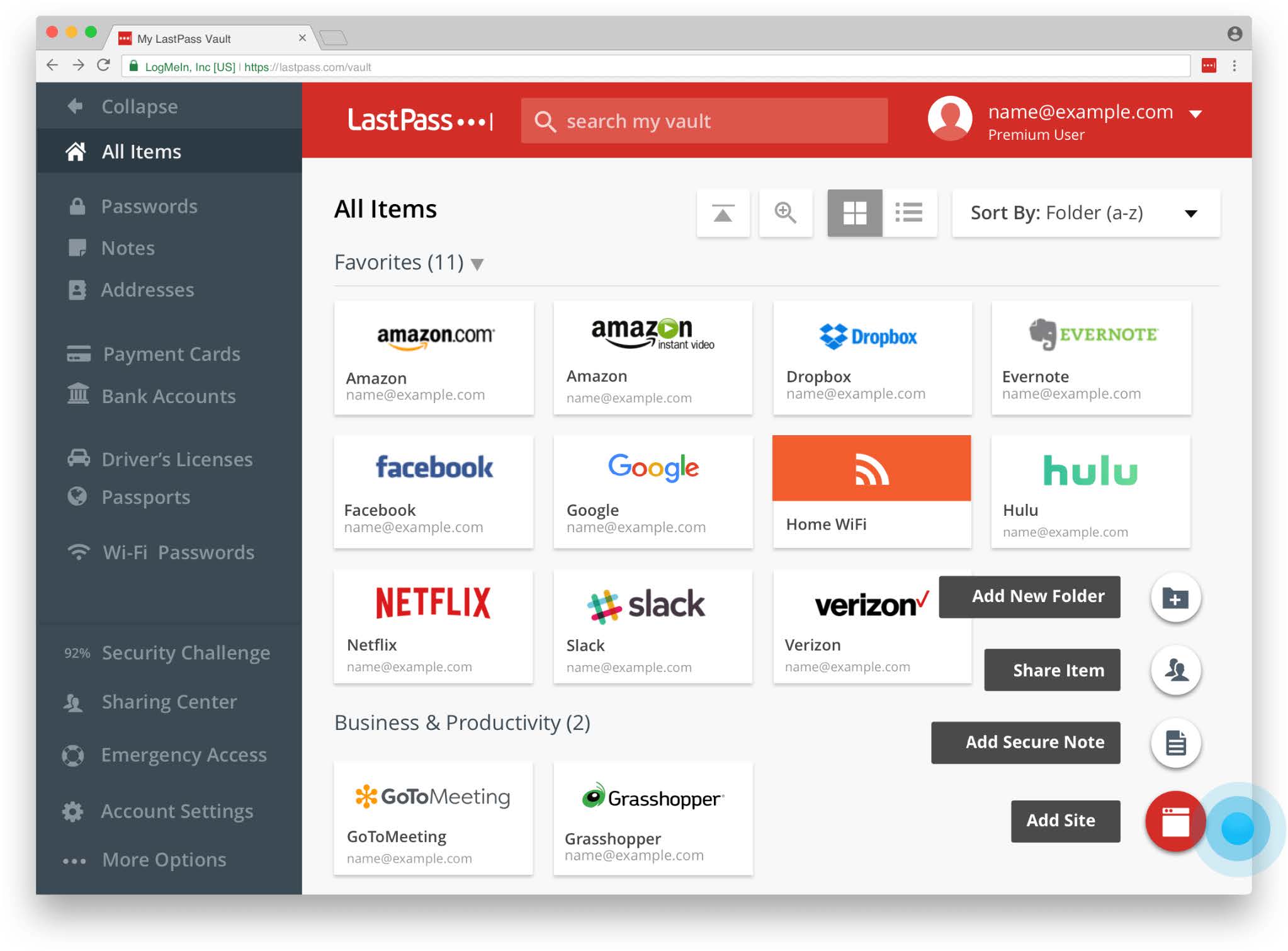
Below are additional details and screenshots of LastPass:
1Password
With 1Password you only ever need to memorize one password. All your other passwords and important information are protected by your Master Password, which only you know.
Pros
- Users can create and share password vaults
- 24/7 customer support with fast response
- Stores two-factor authentication
- Easy setup
- User friendly for everyone
- Password categories are created for a great organizational tool
Cons
- Doesn't provide a free plan
- Outdated mobile version
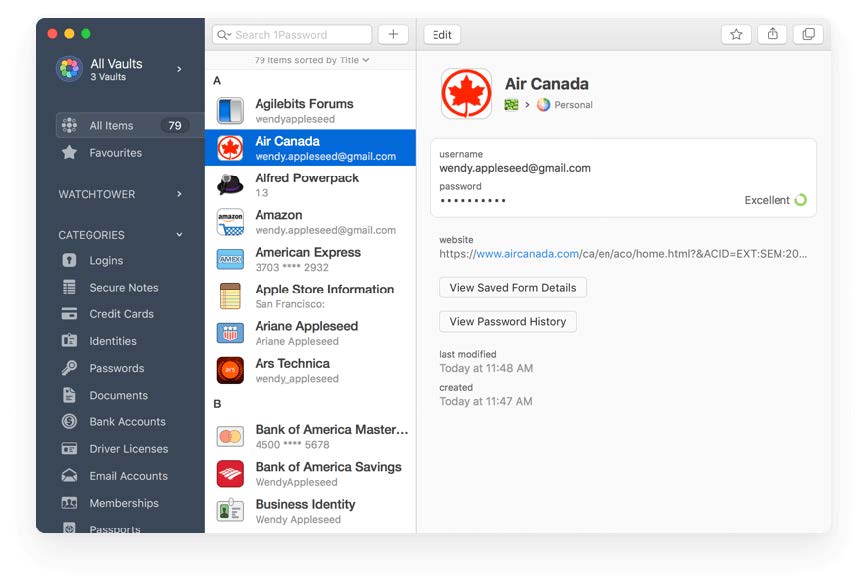
Below is a screenshot of 1Password:
Dashlane
Dashlane is a subscription-based password manager and digital wallet app that creates unique passwords to secure accounts from security breaches.
Pros
- Password generator for unique and secure passwords
- Emergency contacts can be created for emergencies
- Thorough support page with detailed articles
- Compatible with most devices and browsers
- Premium version allows unlimited sharing and storage
Cons
- Limited cloud storage options
- Limited free version (50 saved passwords)
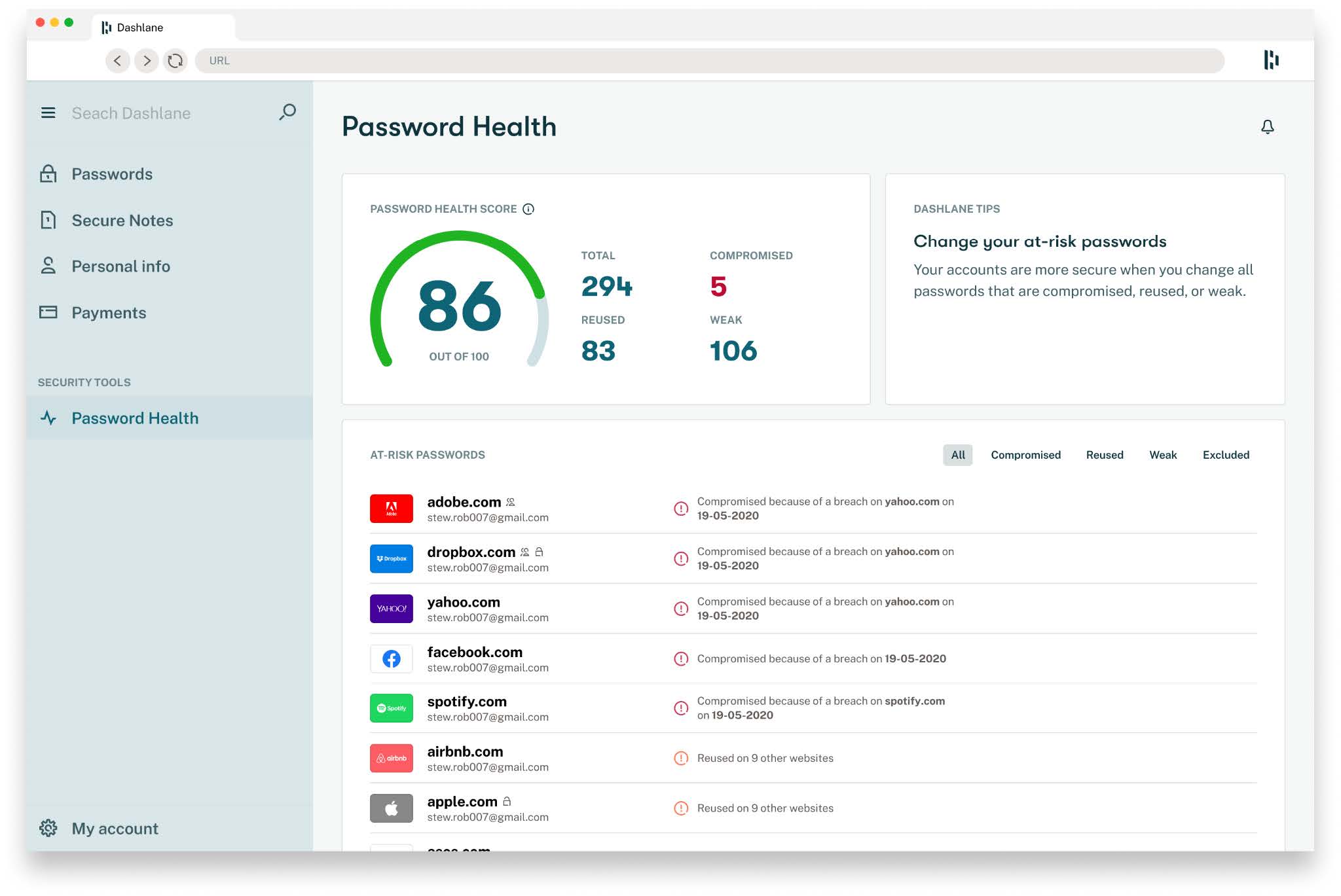
Below is a screenshot of Dashlane:
Nordpass
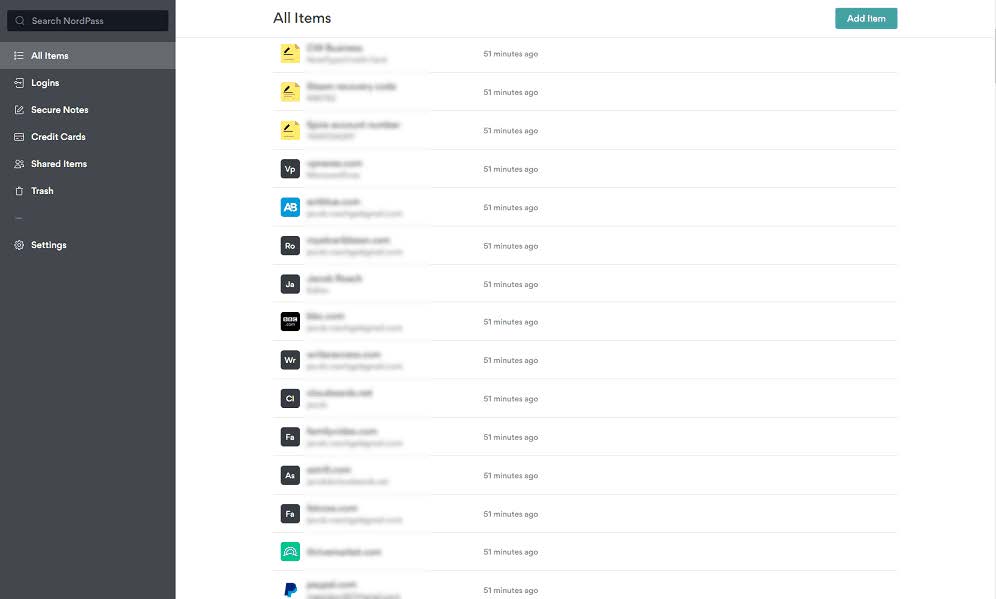
Nordpass is a password manager meant to help its users organize their passwords and secure notes, keeping them in a single place — an encrypted password vault.
Pros
- Highly user friendly
- Unlimited password sharing
- Easy to import data
- Offers two-factor authentication
- Compatible with most devices and browsers
- Free version offers extensive features
- Available for personal, family or business needs
Cons
- Limited option for organizing saved credentials
- Pricier than competition
- Free version cannot be used on more than one device simultaneously
Below is a screenshot of Nordpass:
Easeenet
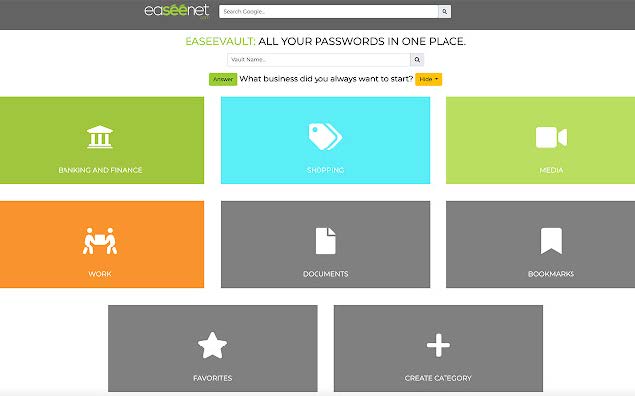
Easeenet effortlessly organizes and preserves your passwords, accounts, and documents in real-time for you and your loved ones.
Pros
- Digital estate planning service with password managing
- Offers family sharing
- Offers document sharing for necessary forms needed for legacy planning
- Offers basic journaling to store memories
- Legacy worksheet for end of life planning
Cons
- Only available for iOS devices
- Long wait period for family members to access data after a user has passed
- Low document storage
Below is a screenshot of Easenet:
Enpass
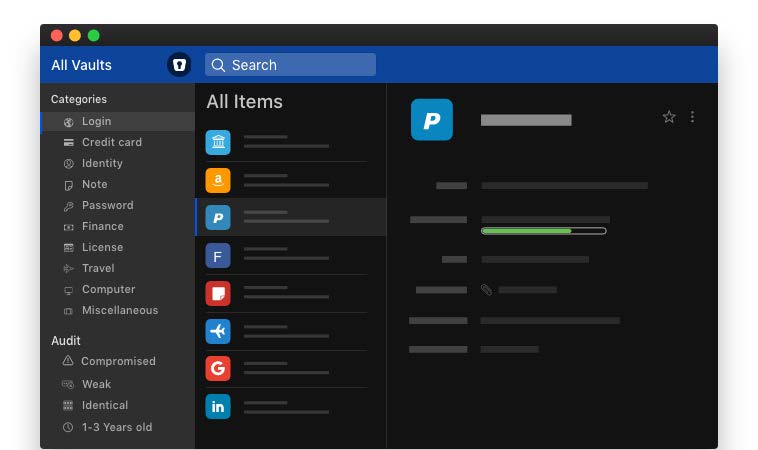
Enpass is an offline password manager and secure vault. It provides a service to save and fill in all your passwords, cards, and other details.
Pros
- Completely free & user friendly
- Full-featured desktop version syncs among cloud services and other desktops
- Easy to organize and categorize items in a vault
- Password auditing feature alerts users to any weak spots
- Users can create folders and tags as an easy search feature
- Secure password generator
Cons
- Syncing across devices is not automatic
- Mobile version is a paid service
- Sharing passwords can be slow or sluggish
- Importing passwords can be difficult
Below is a screenshot of Enpass:
Conclusion
Password Managers are tools we can use to create and secure passwords. We still need to exercise caution with who and where you input your usernames, passwords, credit card info, social security info, etc. Password Managers do NOT prevent you from being a victim of a cyber attack. They are simply a tool to help you remember and store unique passwords.
If you need help or have any questions, call us at
646-758-6606 or email support@candootech.com
To download a copy of this guide click below:
Comments
0 comments
Please sign in to leave a comment.