
Candoo How to Add Favorites and Bookmarks - iPad & iPhone
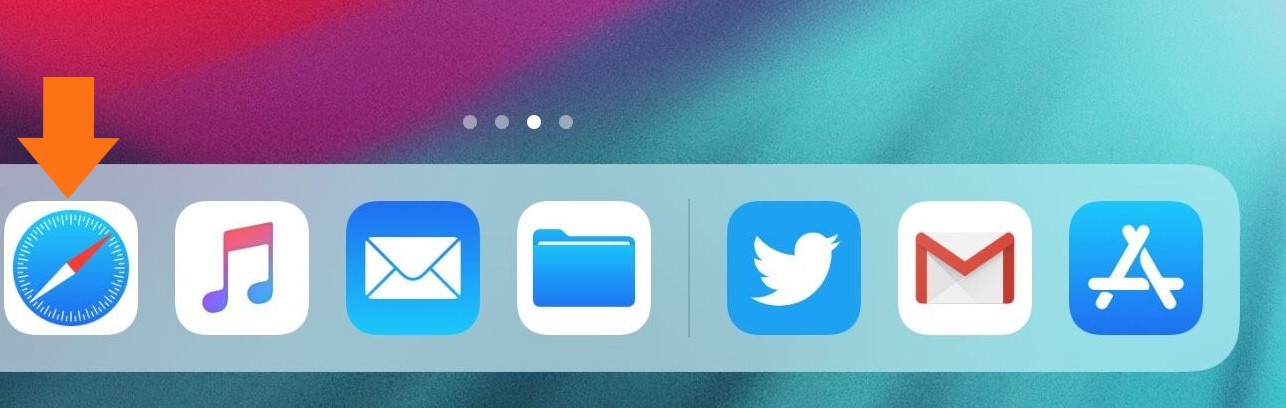
Step 1
Tap on Safari
Step 2
Tap the ‘share’ symbol

Step 3
Tap either ‘Add Bookmark’ or ‘Add to Favorites’ and when prompted, click ‘Save’
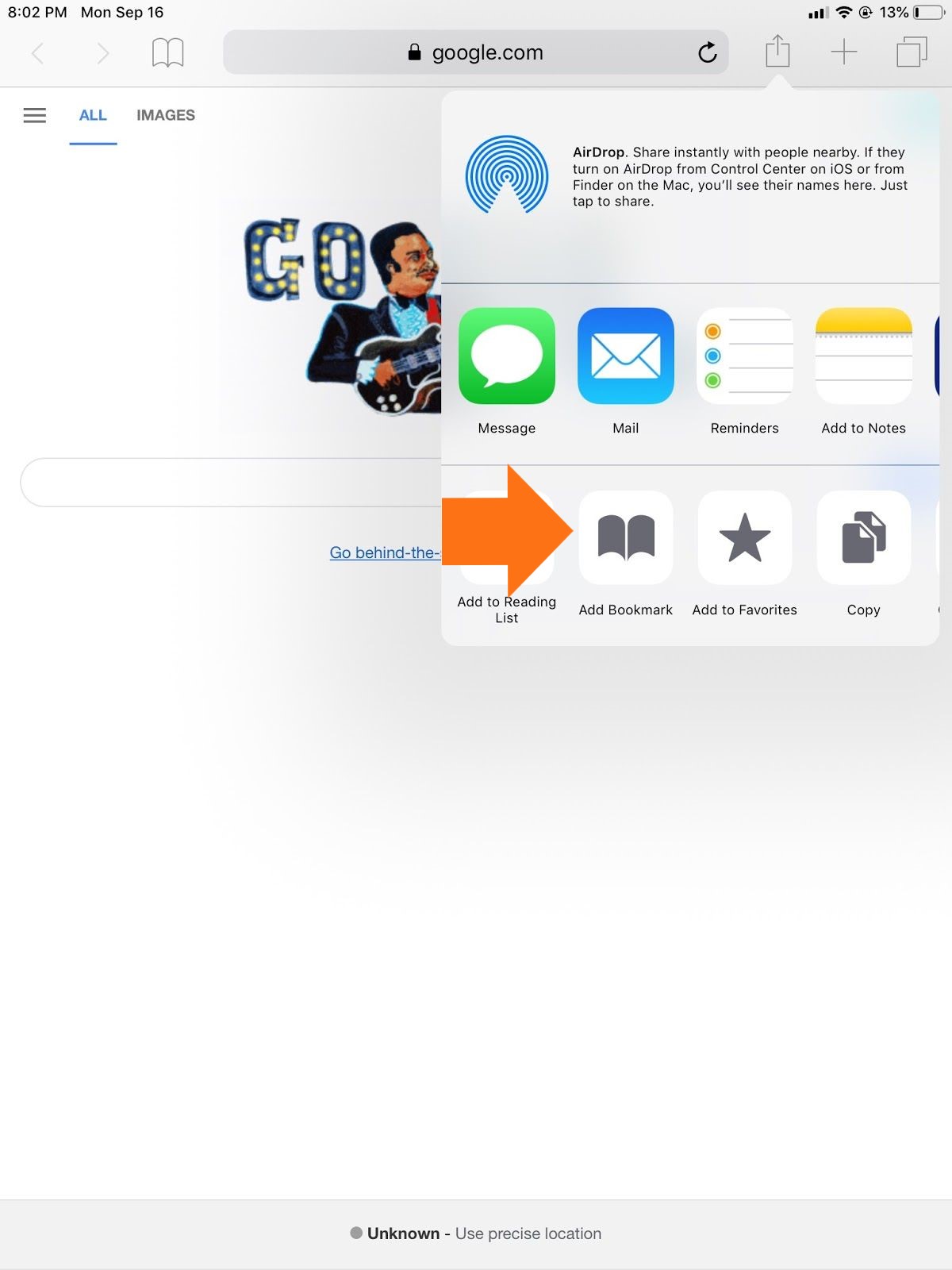
The 'Add Bookmark' button adds the website to your bookmarks, the 'open book' icon.

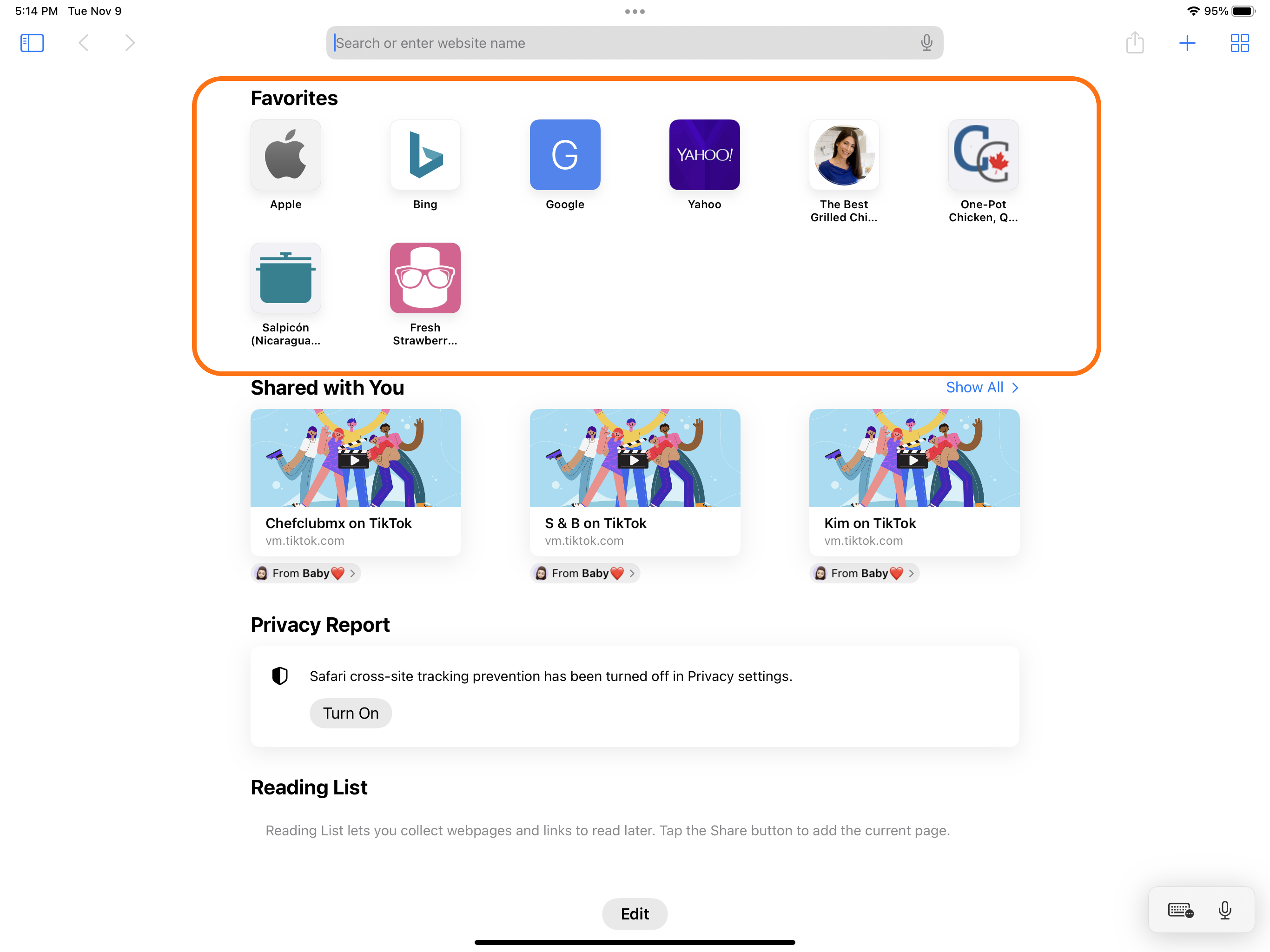
The 'Add to Favorites' button adds the website to your favorites on the Safari homepage.
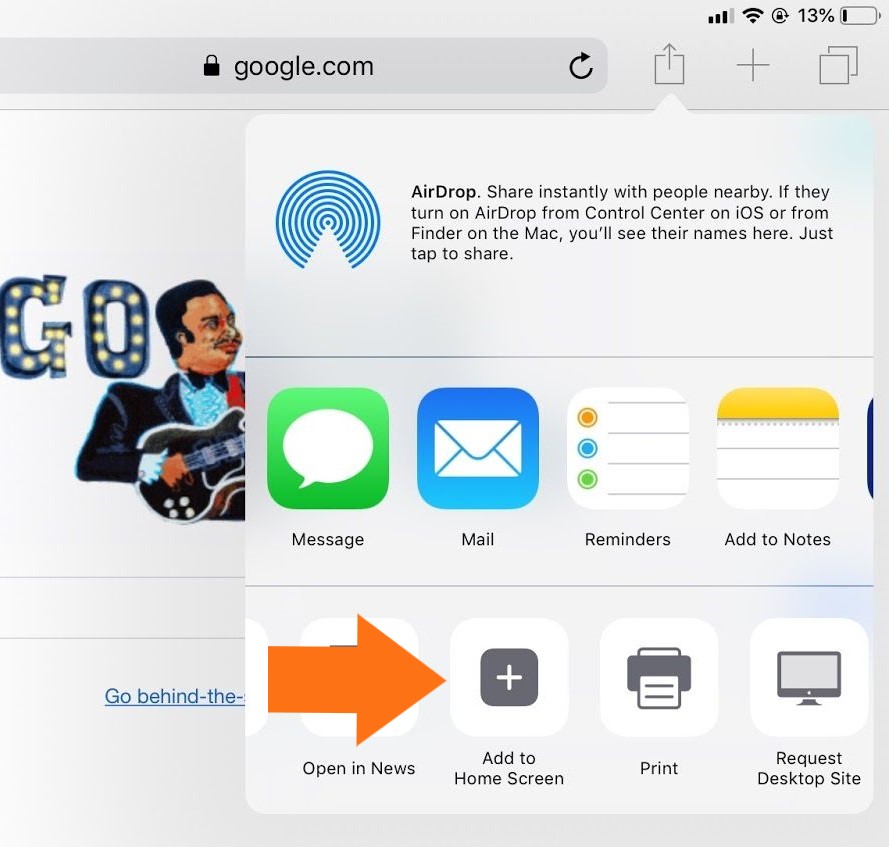
Step 4 (Optional)
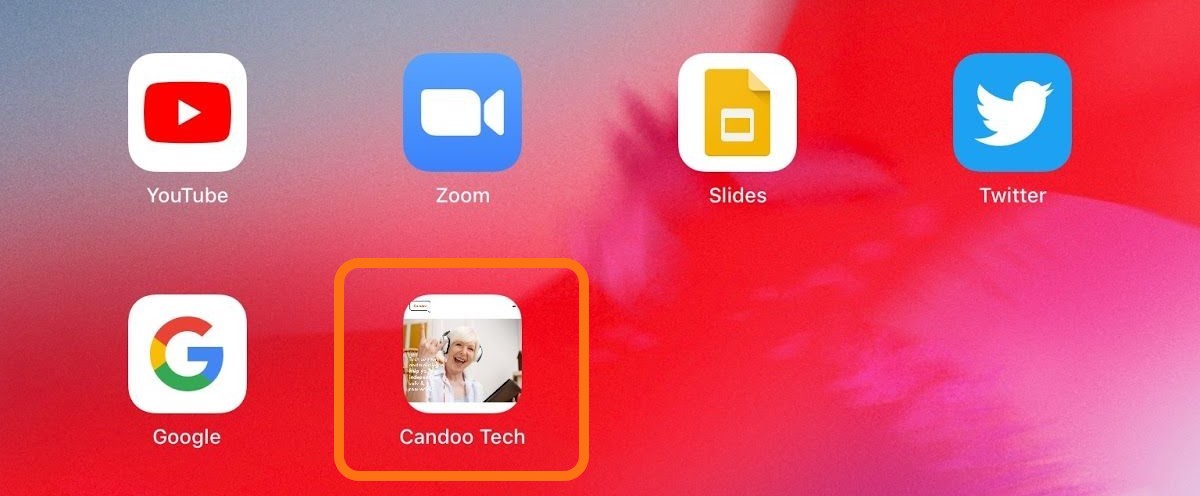
Tap add to Home Screen to add a shortcut which looks just like an app!
If you need help or have any questions, call us at
646-758-6606 or email support@candootech.com
To download a copy of this guide click below:
Comments
0 comments
Please sign in to leave a comment.